Check for Existing Loan Modifications
When to use this guide
Review loan modification history before discussing settlement options with a customer.
Check for Existing Loan Modifications
AtlasServiceAlpha
Updated 3 days ago · 6 steps · 2 min read
- 1
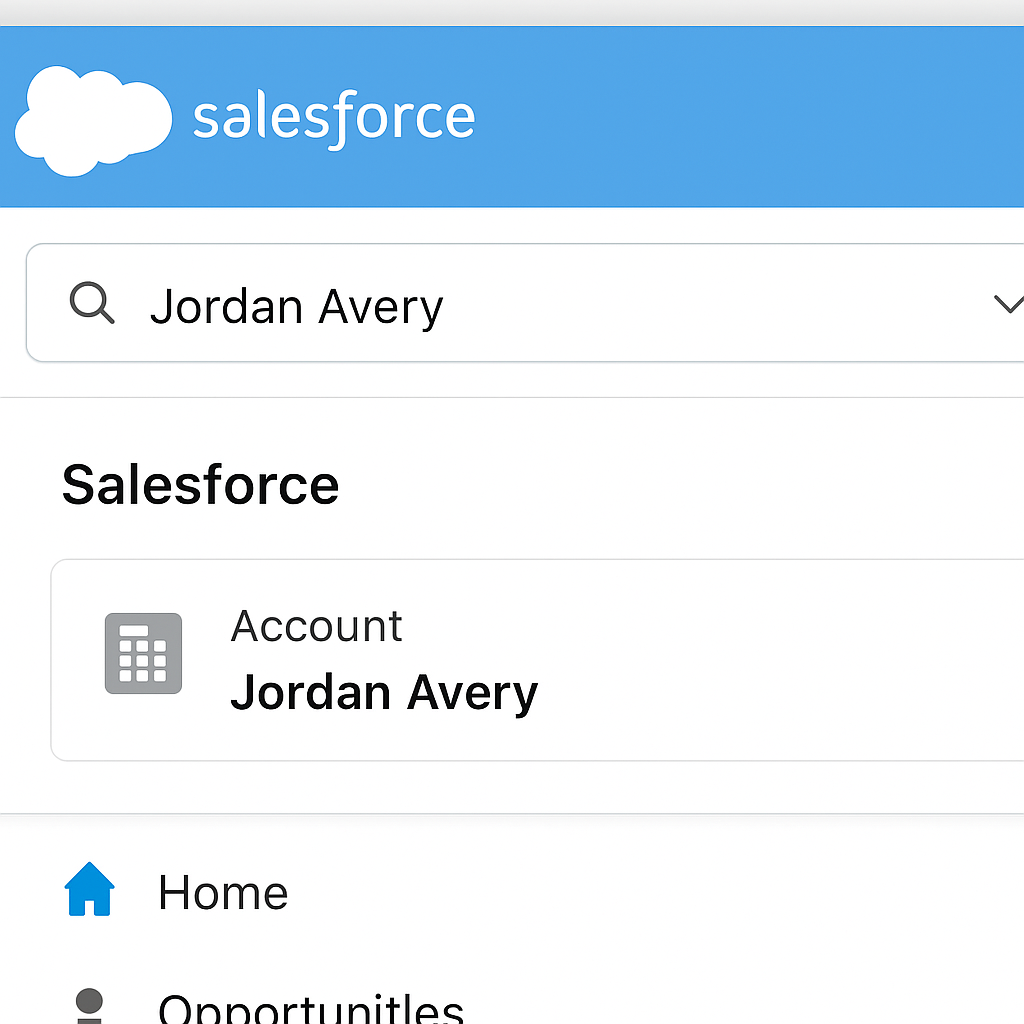
Search for the customer and open the Account record in Salesforce.
- 2
Navigate to Account Servicing → Modification History and review every loan modification with a status of Active, Pending, or Completed.
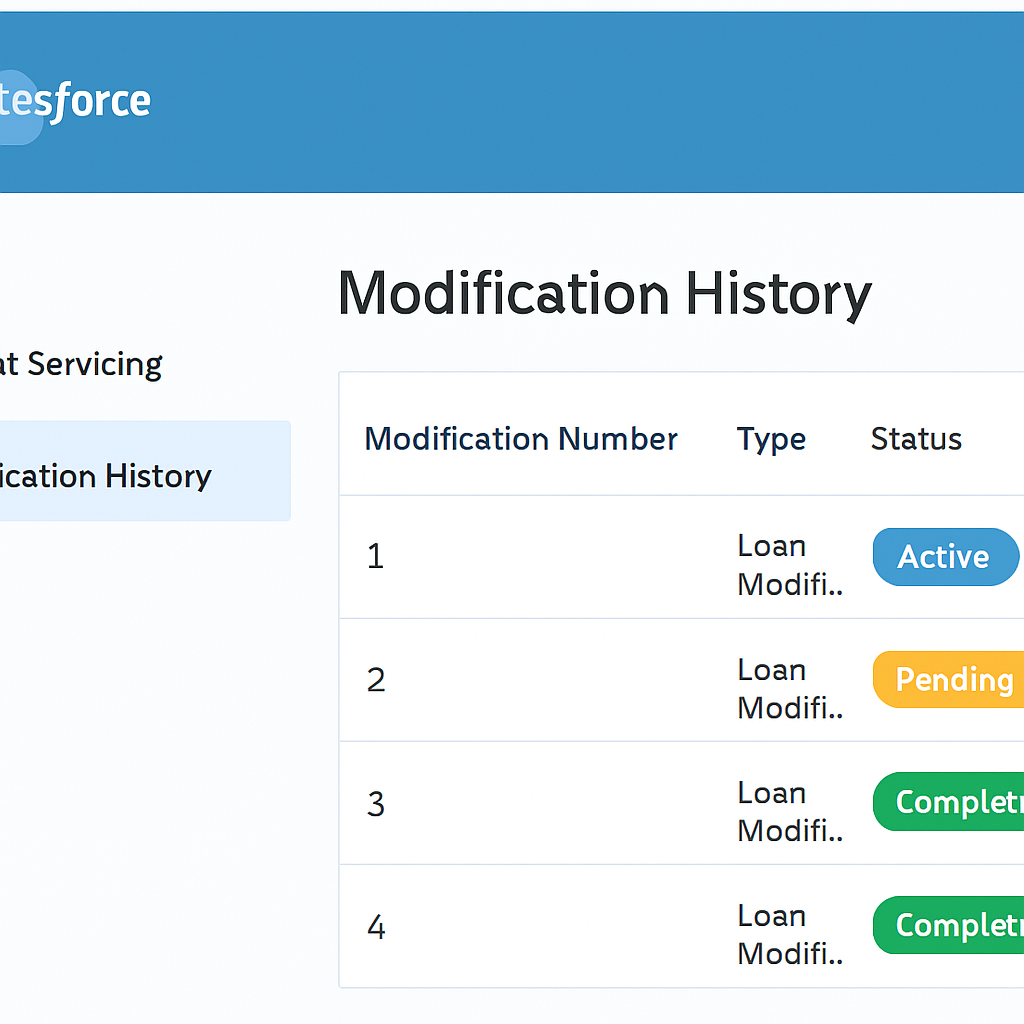
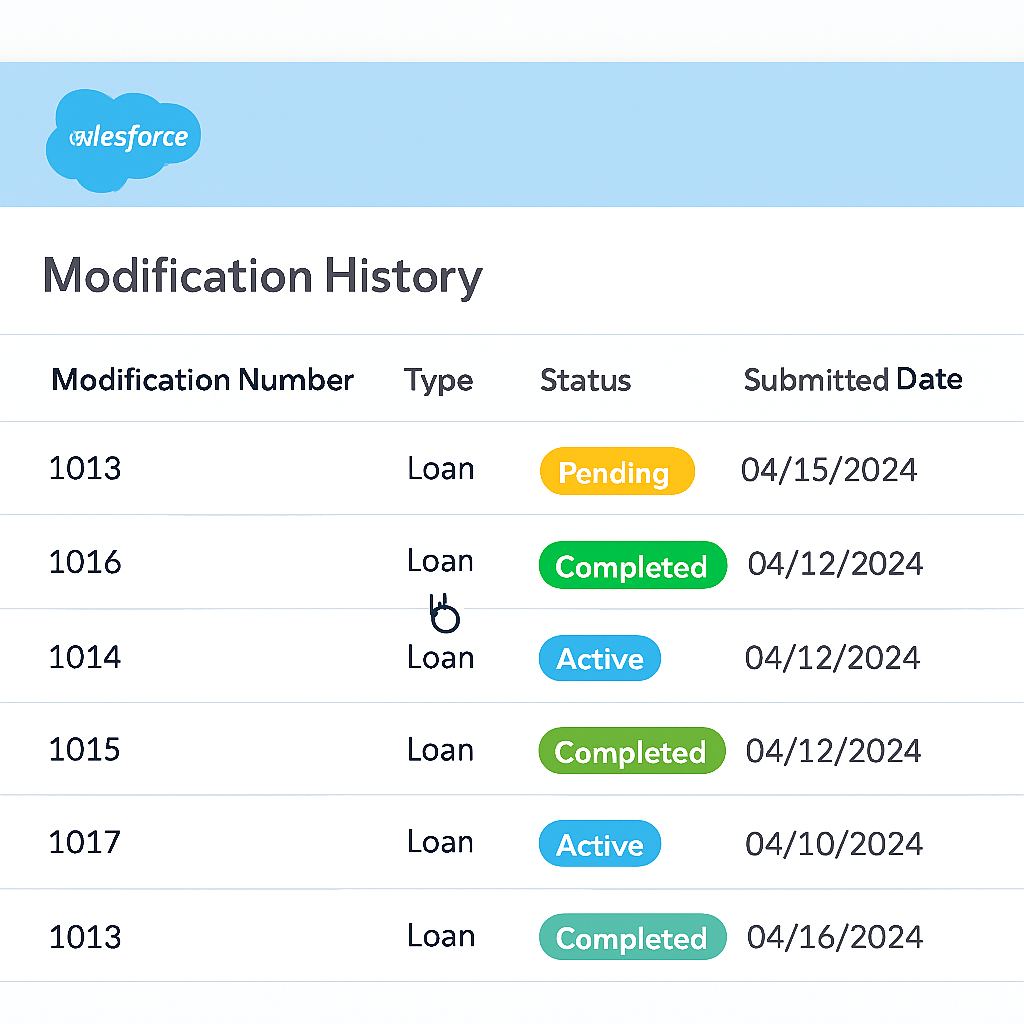
Sort the related list by Submitted Date (newest first) so the most recent request is always at the top.
- 3
If you see a modification with a Pending status, click the row-level action caret and select View to open the record.
- 4
On the modification record, confirm the Status path is on Pending Review. A pending modification is not finalized — do not quote settlement terms until it clears.
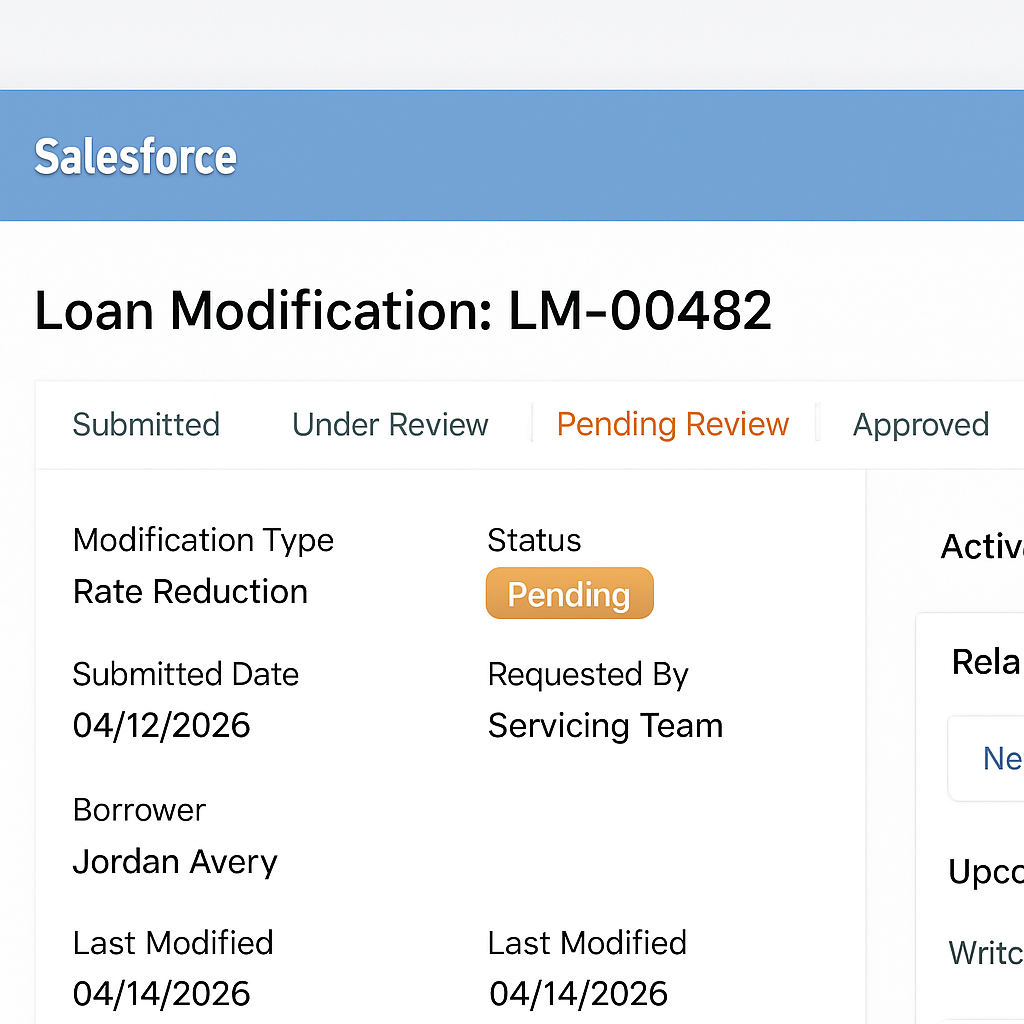
A Pending modification means the account is mid-review. Escalate to the Loss Mitigation queue rather than discussing payoff or settlement amounts.
- 5
Determine next steps based on the modification status you find (see the decision table below).
- 6
Add an account note confirming that modification history was reviewed, including the status and modification number you found.
New Note
Reviewed modification history. No active loan modifications identified.
CancelSave
Decision guide
Use the modification status you found in the guide above to decide how to proceed.
| If you see… | Then… |
|---|---|
| Active Modification | Review assistance details before discussing settlement options. |
| Pending Modification | Do not discuss settlement options until the review is complete. |
| Completed Modification | Continue the settlement eligibility review. |
| No Modifications Found | Continue the settlement eligibility review. |